geminilogoremover.online
🌐

Gemini AI Watermark Remover – Smart & Automatic

📂

Drag & Drop Images Here

Batch process up to 10 files (PNG, WebP, JPG)

No file selected

How AI Detects and Removes Gemini Watermarks

STEP 1

Upload your Gemini image

Drag and drop your watermarked image into the upload area, or click to browse your files. Our tool accepts PNG, JPEG, and WebP formats and can handle up to 10 images at once for efficient batch processing.
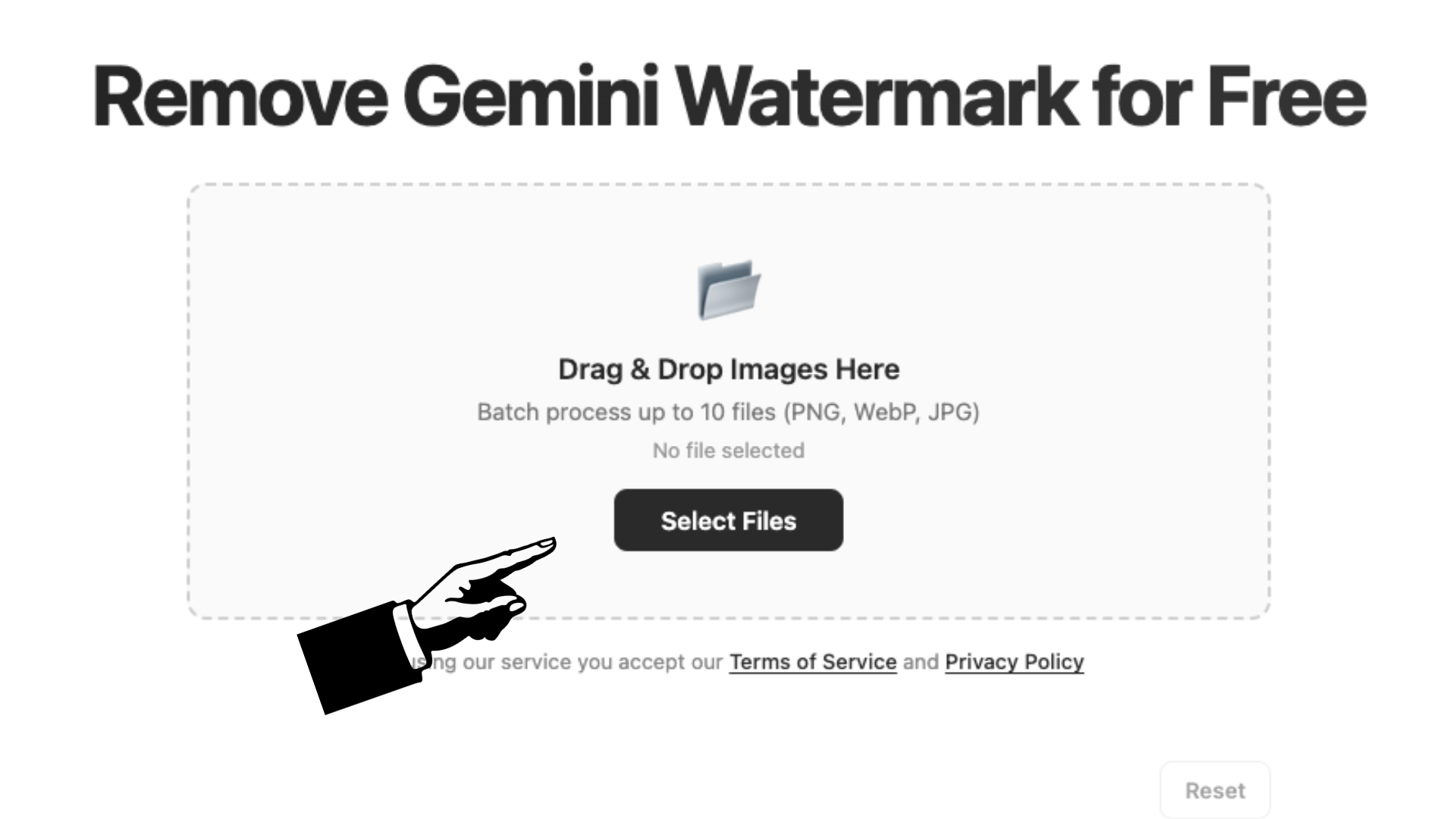
Upload interface showing image selection
STEP 2

AI automatically processes the watermark

Our algorithm scans the bottom-right corner of your image—exactly where Gemini places its logo. Using a pre-computed alpha mask and reverse alpha blending, it reconstructs the original pixels behind the watermark with pixel-level precision. The process is fully automatic and takes just seconds.

AI processing screen showing watermark removal
STEP 3

Download your clean, watermark-free image

Once processing is complete, download each image individually or grab all results in a single ZIP file. Choose your preferred quality level and format—PNG for lossless, JPEG for smaller files, or WebP for the best balance.

Download options showing clean result

Benefits of AI-Powered Watermark Removal

Why rely on guesswork when an algorithm can do it perfectly? Our AI-powered approach to watermark removal brings precision that manual editing simply cannot match. The reverse alpha blending technique works at the individual pixel level—reconstructing what the original image looked like before the watermark was applied. This means no blurring, no smudging, and no visible traces left behind. You get clean, natural-looking results every time. On top of that, automation means speed. What would take minutes of careful Photoshop work happens in seconds here. And because everything runs locally in your browser, you don't have to worry about privacy, file uploads, or hidden costs. It's watermark removal made effortless.

Comparing Manual vs AI Gemini Watermark Remover Tools

Manual watermark removal—using Photoshop, GIMP, or similar editing software—works, but it comes with real drawbacks. You need to own or subscribe to the software, know how to use cloning and healing tools, and spend time carefully painting over the watermark. Even then, results vary depending on your skill level. AI-powered tools like ours flip the script entirely. There's no learning curve. No software to install. No subscription fees. The math does the heavy lifting—our algorithm identifies the exact watermark region, calculates the transparency (alpha) of each pixel, and reverses the blending to restore the original image data. The result is consistent, professional-quality output in a fraction of the time. For anyone processing multiple images or needing quick turnarounds, the AI approach wins hands down.

Why Our AI Watermark Remover Stands Out

Not all watermark removers are built the same. Our tool is specifically tuned for the Gemini watermark—the semi-transparent white logo that Google embeds in the bottom-right corner of AI-generated images. We analyzed the exact alpha blending pattern Gemini uses and built a targeted solution that reverses it mathematically. Generic tools often blur or crop the watermark area, leaving artifacts. Ours reconstructs pixel values with precision. Plus, we offer batch processing (up to 10 images at once), flexible output formats (PNG, JPEG, WebP), adjustable quality levels, and ZIP download—all for free. No signups. No uploads. Everything stays on your device. If you want a tool that actually understands the watermark it's removing, you're in the right place.

Frequently Asked Questions

Does Gemini use hidden watermarks?
Yes, Google uses multiple watermarking techniques for Gemini-generated images. The one you can see is the semi-transparent white logo in the bottom-right corner. But Google also embeds an invisible digital watermark called SynthID, which is imperceptible to the human eye and designed to survive edits like cropping, filters, and compression. Our tool focuses on removing the visible logo watermark. The invisible SynthID marker is embedded at a deeper level and cannot be removed through pixel-level editing—it's designed that way intentionally to help identify AI-generated content even after modifications.
Is it illegal to use AI to remove watermarks?
The legality of removing watermarks depends on your intent and how you use the images. For personal projects, educational purposes, design mockups, or improving the visual quality of images you've generated yourself, removing the watermark is generally acceptable. However, removing watermarks to misrepresent AI-generated content as human-created, to violate copyright, or to deceive others can cross legal and ethical lines. We always encourage transparency—if you're publishing AI-generated images, be honest with your audience about their origin. Our tool provides the technical capability; responsible use is up to you.
Will Gemini remove a watermark if I ask?
No, Google Gemini will not remove its own watermark even if you ask it to. The watermark is applied automatically by Google's image generation system, and there is no prompt or setting within Gemini itself to disable or remove it. You can try asking in your prompt—something like "generate an image without a watermark"—but Gemini will still embed the logo. That's precisely the problem our tool solves. After downloading your Gemini-generated image, you can use our free online remover to clean the visible watermark in seconds, no matter how the image was originally created.