geminilogoremover.online
🌐

Remove Gemini Logo from Image – Clean Results

📂

Drag & Drop Images Here

Batch process up to 10 files (PNG, WebP, JPG)

No file selected

How to Remove Gemini AI Logo from Photos

STEP 1

Upload your photo with the Gemini logo

Drag and drop your image onto the upload area or click to browse your device. Our tool supports PNG, JPEG, and WebP formats. You can upload up to 10 photos at once for batch logo removal.
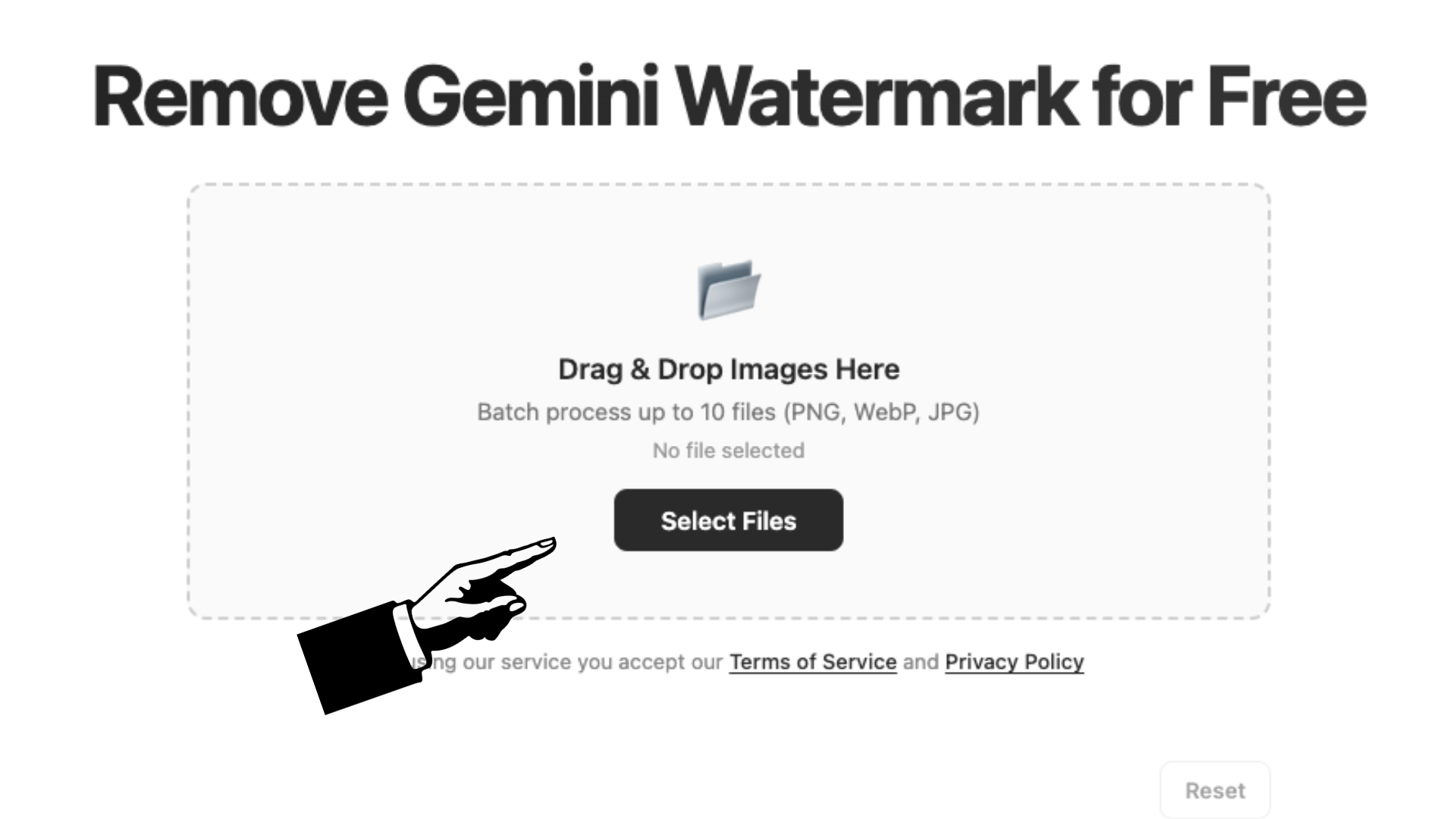
Upload interface showing photo selection
STEP 2

The logo is detected and removed automatically

Once uploaded, our algorithm scans the exact bottom-right region where Gemini places its logo. Using reverse alpha blending, it reconstructs the original pixels behind the logo—leaving no smudges, no blurs, just clean image data. You can adjust quality and format while processing.
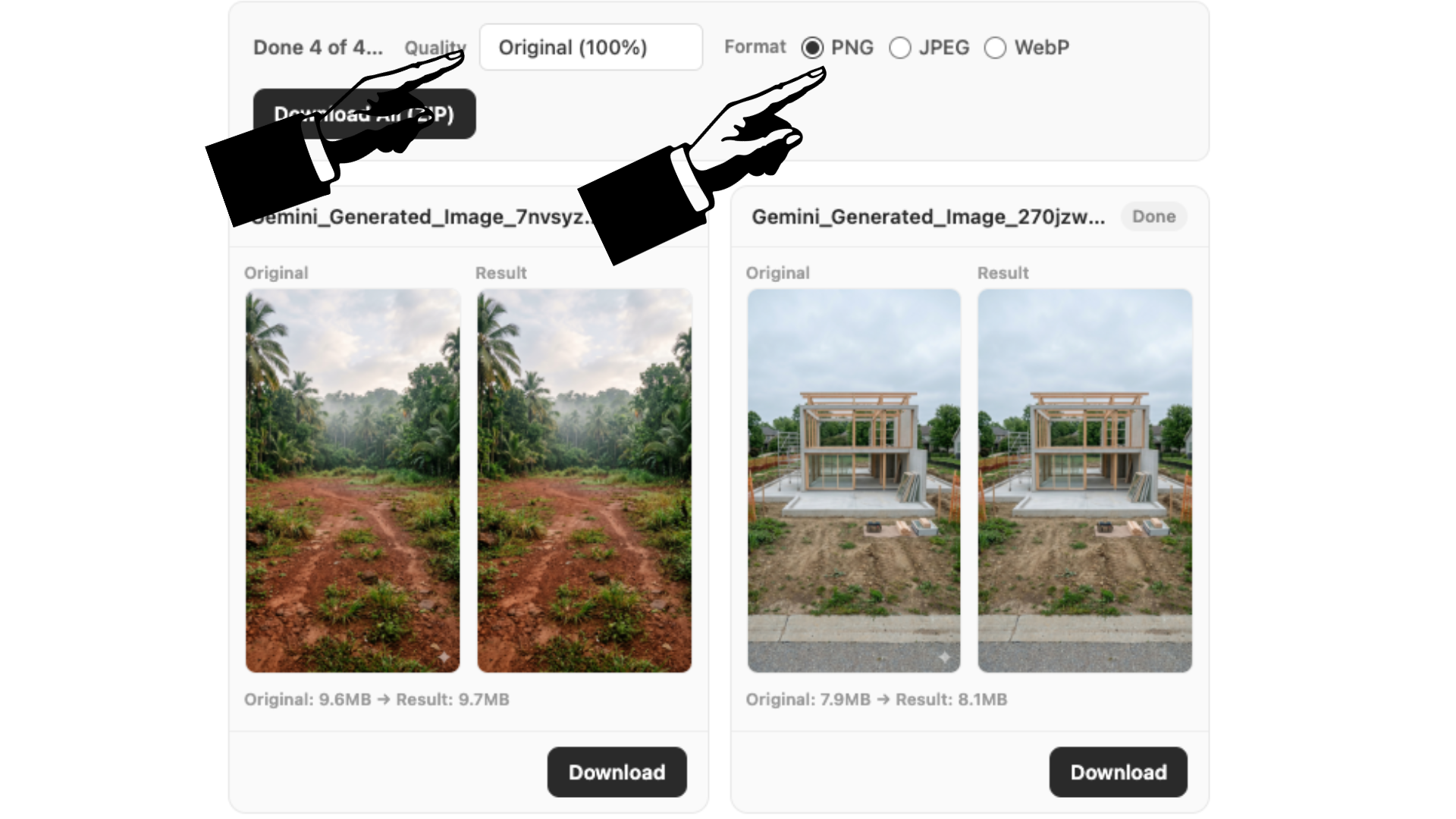
Logo removal processing screen
STEP 3

Download your clean, logo-free photo

Download each photo individually or bundle everything into a single ZIP file. Choose PNG for lossless quality, JPEG for smaller file sizes, or WebP for the best of both. Your photos are ready instantly with no visible traces of the original logo.
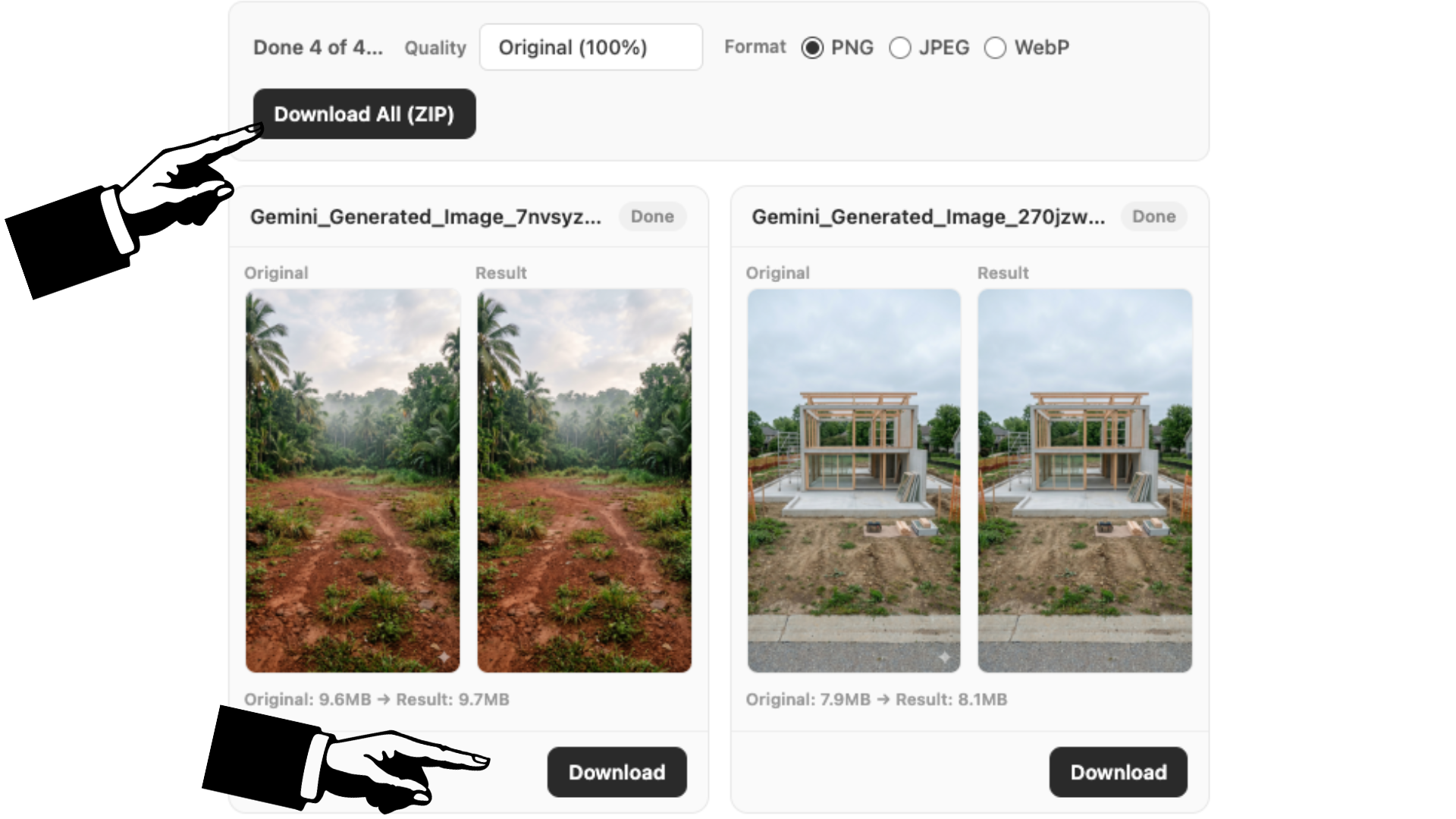
Download buttons with clean result preview

Google Gemini Logo Remover – Tools That Work

Searching for a reliable way to erase that Gemini logo? You're not alone. Thousands of people download AI-generated images from Gemini every day, only to find them stamped with a persistent white logo in the corner. Generic editing tools can crop it out or blur it over, but those approaches either sacrifice part of your image or leave obvious editing marks. Our tool takes a fundamentally different approach. Instead of guessing what's behind the logo, we use the actual math of how the watermark was applied—reverse alpha blending—to reconstruct the original pixels. The result is a genuinely clean image, not a patched-up one. And because everything runs in your browser, there's no upload, no wait, and no privacy risk. It's the tool that actually works the way you need it to.

Remove Gemini Logo Without Damaging Image Quality

One of the biggest fears with any watermark removal is ending up with a ruined image—blurry patches, discolored areas, or visible editing artifacts where the logo used to be. Our reverse alpha blending method eliminates that risk entirely. Here's why: the Gemini logo isn't simply pasted on top of your image. It's blended with the original pixels at a specific transparency level. This means the original pixel data is still mathematically recoverable. Our algorithm calculates the exact alpha (transparency) value for every pixel in the watermark region and reverses the blending equation. What you get back is pixel-accurate data—not an approximation, not a blur, not a guess. You can even export at 100% original quality in PNG format and compare before and after side by side. The only difference you'll see is the absence of the logo.

Why Our Logo Remover Delivers Cleaner Results Than Alternatives

There are plenty of ways people try to deal with the Gemini logo. Some crop the bottom-right corner—losing part of their image. Others use Photoshop's healing brush or content-aware fill, which can work but requires skill, time, and expensive software. Generic online tools often apply a simple blur or clone stamp, leaving smudgy artifacts that look unprofessional. Our tool is purpose-built for this exact watermark. We know where it appears (bottom-right, with specific margins), what size it is (48px or 96px depending on image dimensions), and exactly how it's blended (semi-transparent white with a known alpha pattern). This specificity means we don't have to guess—we just do the math. The result is cleaner than any general-purpose tool can achieve, and it takes seconds instead of minutes. Batch processing, format flexibility, and zero uploads are the icing on the cake.

Frequently Asked Questions

How do I remove the Gemini logo?
Removing the Gemini logo is simple with our tool. Upload your image using the drag-and-drop area above, and the logo is automatically detected and removed from the bottom-right corner. The process uses reverse alpha blending to reconstruct the original pixels behind the logo, so you get a clean, natural-looking result. Once processed, download your image in your preferred format—PNG, JPEG, or WebP—at the quality level you choose. You can even batch process up to 10 images at once and download them all in a ZIP file.
How to remove Gemini logo from photo?
To remove the Gemini logo from your photo, drag and drop the image into the upload box at the top of this page. Our tool will automatically locate the logo in the bottom-right corner and erase it using pixel-level reverse alpha blending. The process takes only a few seconds per image. You can choose your output format (PNG for best quality, JPEG for smaller files, or WebP for a balance of both) and quality level before downloading. Everything happens locally in your browser—no uploads, no signups, completely free.
How do I download Gemini photos without watermark?
Google Gemini does not currently offer a native option to download images without the watermark. The logo is automatically applied to every AI-generated image during the generation process. The only way to get clean, watermark-free versions of your Gemini photos is to use a third-party removal tool like ours. After generating your image in Gemini, download it as usual, then upload it here. Our tool removes the visible logo within seconds and gives you a clean copy ready for use in presentations, designs, or anywhere else you need a polished image.