geminilogoremover.online
🌐

Remove Gemini Watermark – Free Online Tool

📂

Drag & Drop Images Here

Batch process up to 10 files (PNG, WebP, JPG)

No file selected

How Our Free Gemini Watermark Remover Works

STEP 1

Upload your watermarked image

Click the upload area or drag and drop your image directly into the box. Our tool works with PNG, JPG, and WebP formats. You can process up to 10 images at once for maximum efficiency.
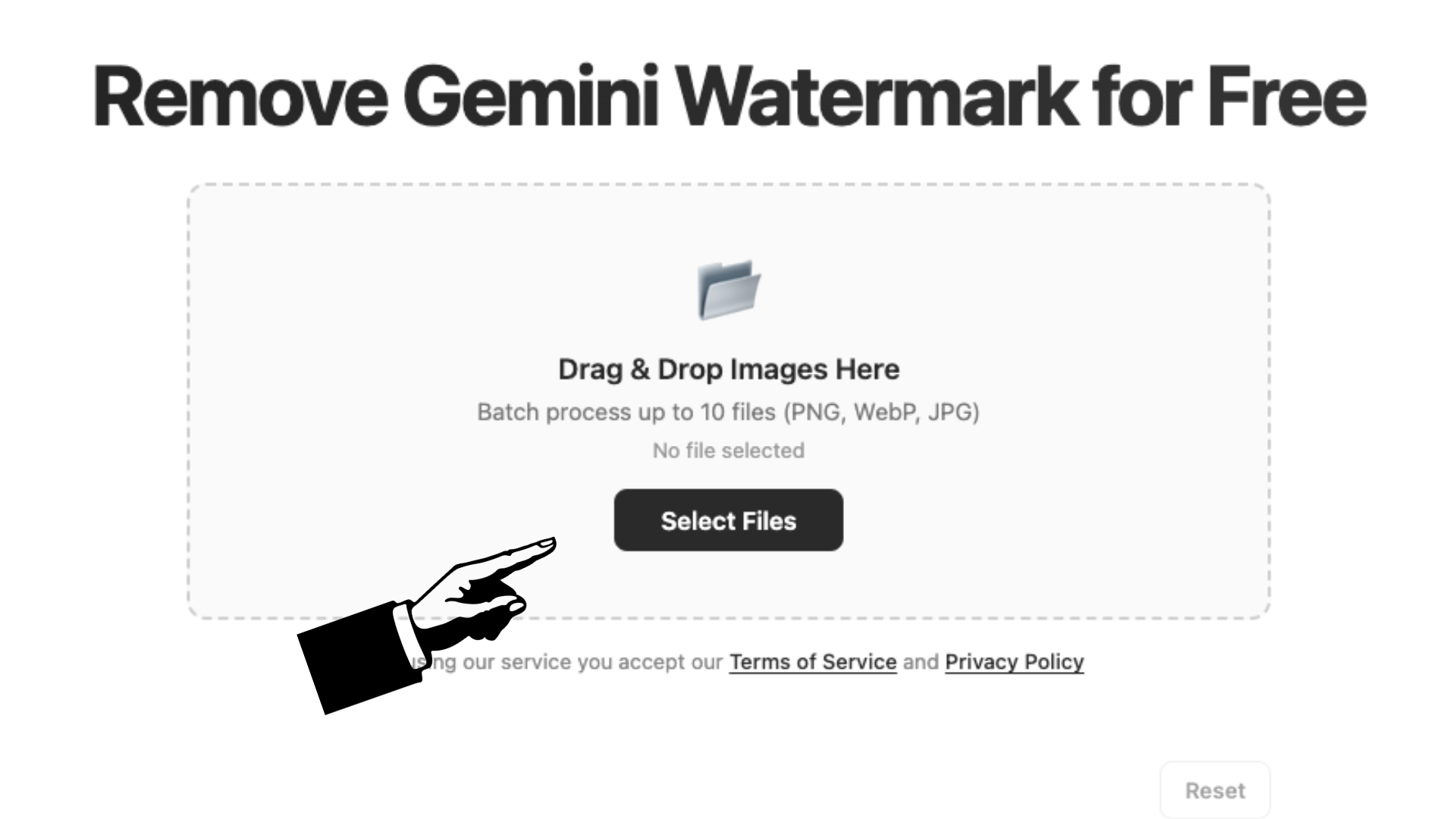
Upload interface showing image selection
STEP 2

Choose your output options

Select your preferred quality level and output format. Choose between PNG for lossless quality, JPEG for smaller file size, or WebP for the best of both worlds.

Quality and format selection options
STEP 3

Download your clean image

Download images one by one or grab everything in a single ZIP file. Your clean, watermark-free images are ready instantly.

Download buttons and result preview

Why Choose Our Tool Over Others

There are plenty of watermark removers out there, but most of them force you to upload your images to their servers. That means your private photos and designs pass through someone else's infrastructure—slow, risky, and unnecessary. Our tool runs entirely in your browser using advanced canvas pixel manipulation. Your files never leave your device. Plus, we built this specifically for the Gemini watermark pattern, so the removal is cleaner and more accurate than generic tools. Whether you're a content creator cleaning up AI-generated artwork or just someone who wants a crisp image for a presentation, this is the fastest and safest way to do it. No signup, no login, no hidden costs.

Step-by-Step Guide to Remove Gemini Watermark Online

Removing the Gemini watermark takes just three simple steps. First, upload your image by dragging it into the upload area or clicking to browse your files. The tool accepts PNG, JPEG, and WebP formats and can handle up to 10 images at once for batch processing. Second, choose your output settings—pick a quality level (Original, Medium, or Compressed) and select your preferred format. PNG keeps the highest quality, JPEG reduces file size, and WebP balances both. Third, hit download. You can save each image individually or package everything into a ZIP file with one click. The entire process takes seconds, and because everything happens locally, your images stay completely private.

Is It Safe to Remove a Gemini Watermark?

This is a question we hear often, and the answer depends on how you use the images. Google adds the Gemini watermark as a transparency measure to indicate AI-generated content. If you're using the images for personal projects, presentations, or design mockups, removing the watermark for a cleaner look is perfectly reasonable. However, we always recommend being transparent with your audience when you're publishing AI-generated content. Our tool gives you the clean image—it's up to you to use it responsibly. Also worth noting: everything stays on your device. We don't store, view, or collect any of your images, so your privacy is fully protected throughout the process.

Frequently Asked Questions

How to remove Gemini watermark from image free?
Simply upload your image to our tool above. The watermark removal happens automatically using a reverse alpha blending algorithm. Once processed, download your clean image—no payment, no registration, completely free.
Is it okay to remove a Gemini watermark?
For personal use, presentations, and design work, removing the watermark is generally fine. Google uses it to label AI-generated content for transparency. We encourage being honest with your audience when publishing AI images, but the tool itself is here to give you clean results for your projects.
Can Gemini generate an image without watermark?
Currently, Google Gemini does not offer a built-in option to generate images without the watermark. The logo is automatically embedded in every AI-generated image. That's exactly why we built this tool—to give you a quick and free way to remove it after downloading your Gemini images.